Course activity
Review course progress and configured completion requirements, including video coverage and required checkpoints. A completion record should be interpreted alongside the assessment and the programme’s rules.
METEOR LEARN · DATA & RECORDS
Training records support a review of the programme. Start with the learner’s activity, then connect it with requirements, procedure versions, assessment attempts, and completion records.
Review course progress and configured completion requirements, including video coverage and required checkpoints. A completion record should be interpreted alongside the assessment and the programme’s rules.
Group requirements by person, role, team, or designation. Separate due, overdue, unassigned, and exempt items to determine the next assignment or follow-up.
Connect procedure reading and acknowledgement to the assigned document version. Review the acknowledgement statement and identity checks required for your process.
Review attempts, pass requirements, completion records, and issued certificates. Confirm which fields and reporting views your training owners need.
This is an actual Meteor Learn report screen. The figures belong to an example account.
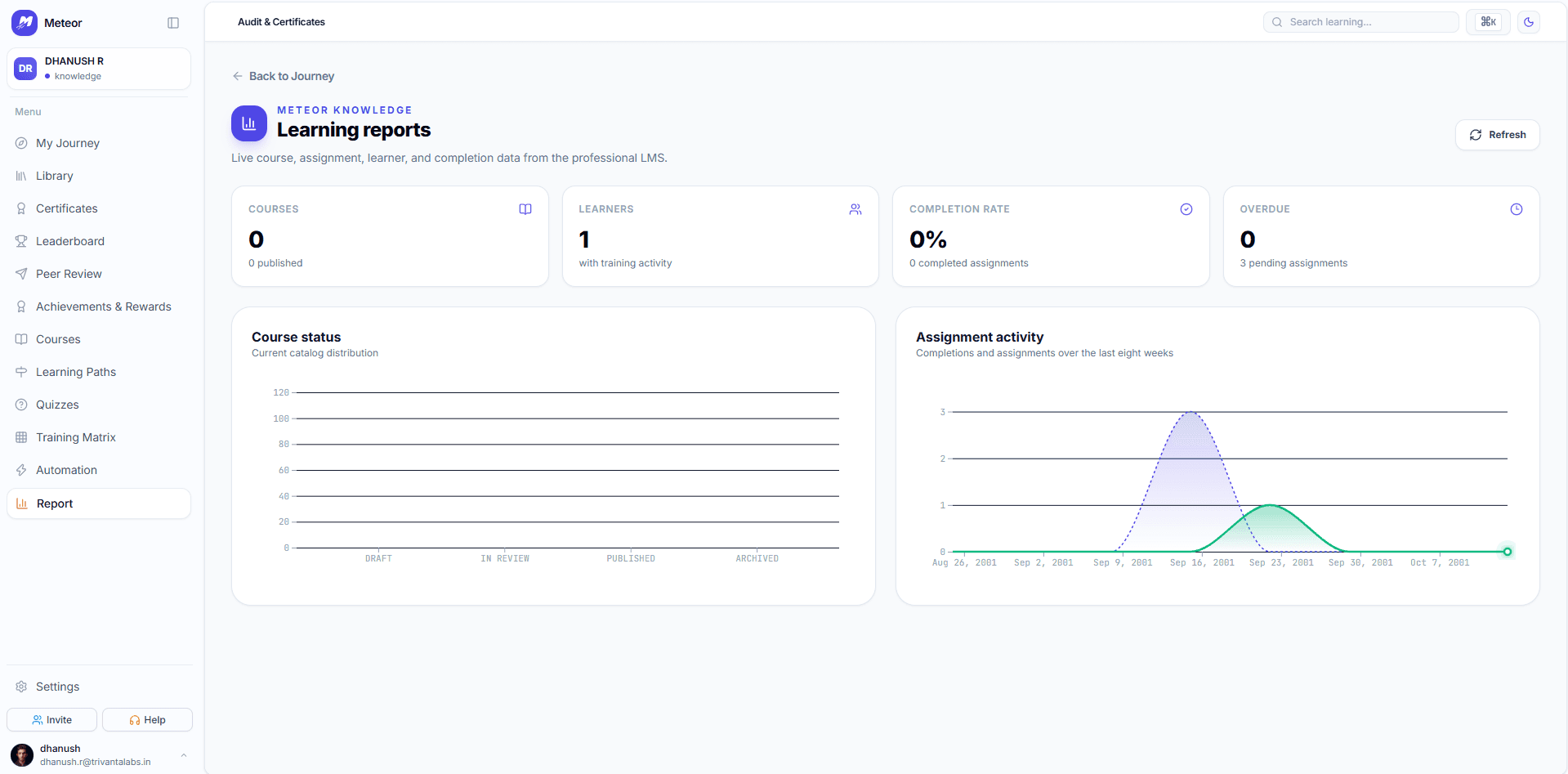
Bring the roles that should see learner information, the records you need to retain, and the reporting audience. Review access boundaries, identity checks, export requirements, and retention arrangements with the team before rollout.
A feature description or example screen does not establish certification, accreditation, or regulatory suitability. Assess those requirements separately for your organisation and deployment.
Read the website privacy policy →